AI tools for students in Peshawar now cover a lot more ground than just ChatGPT. This guide walks through general-purpose AI assistants, research tools, writing and design tools, and coding tools that genuinely help with coursework, with honest notes on what’s actually free versus paid for each one. It also includes a short section on using these tools responsibly, since knowing how to use them well matters just as much as knowing which ones exist.
By the end, you should have a clearer picture of which specific tools fit your actual coursework rather than a vague sense that “AI is useful somehow.” Different tools genuinely suit different tasks, and picking the right one for a specific job matters more than chasing whichever tool happens to be trending at the moment.
Why AI Tools Matter for Students in 2026
AI tool fluency has become a genuinely useful, practical skill for students, supporting research, writing, studying, and increasingly coding, regardless of your specific field of study. A commerce student using AI to organize research notes and an engineering student using it to debug code are both building the same underlying skill, learning to work effectively alongside these tools rather than either ignoring them or relying on them blindly.
This matters beyond just finishing assignments faster. Universities and employers alike are adjusting their expectations around what “digital literacy” means, and basic comfort with AI tools is quickly becoming part of that baseline, similar to how comfort with search engines and office software became assumed knowledge a generation earlier. Building these habits now, while coursework gives you a low-stakes environment to experiment in, tends to pay off well beyond graduation.
A Quick Note on Using AI Responsibly for Coursework
These tools are study aids, not substitutes for doing the actual work, and you should check your own institution’s academic integrity policy on AI use before submitting any AI-assisted work. Policies vary significantly between institutions and even between individual instructors within the same department, and violating them can have real academic consequences. Using AI to explain a concept you’re stuck on, brainstorm essay angles, or check your own writing for clarity is generally safer ground than having it generate work you then submit as entirely your own. When in doubt, ask your instructor directly rather than guessing.
Think of these tools the way you’d think of a tutor or a study group. Both can genuinely help you understand material better and produce stronger work, but neither is meant to do the work for you. The habits you build now around using AI thoughtfully will matter well beyond graduation, since the same judgment about when a tool helps and when it becomes a crutch applies just as much in a job as it does in a classroom.
General-Purpose AI Chat Assistants
These tools handle a wide range of general tasks, from answering questions to drafting and brainstorming. Most students end up settling into one or two favorites rather than using all of them regularly, so it’s worth trying a few before committing to a default.
ChatGPT
ChatGPT, from OpenAI, offers a genuinely useful free tier alongside a paid Plus upgrade. It’s a solid default for general Q&A, brainstorming essay ideas, or getting a first draft down that you then revise in your own voice.
Google Gemini
Google Gemini also has a free tier available, and its biggest practical advantage for students is how tightly it integrates with other Google tools like Docs and Sheets, which many students already use for coursework.
Claude
Claude, from Anthropic, has a free tier and tends to get preferred for longer documents and more careful, nuanced writing tasks, where getting the tone and structure right matters more than speed.
Microsoft Copilot
Microsoft Copilot has a free web version available, and it integrates directly into Microsoft 365 apps like Word and PowerPoint, which is convenient if your university already uses Microsoft’s ecosystem for assignments.
Perplexity
Perplexity has a free tier and is built specifically around search-style, cited answers rather than open-ended conversation, which makes it a genuinely different tool from the others on this list, better suited to research than general chat.
AI Tools for Research and Note-Taking
For research specifically, source-grounded tools that cite where information comes from are more reliable than general chat assistants, which can occasionally generate plausible-sounding but incorrect information. Perplexity fits this need well for open web research, since every answer comes with visible sources you can check yourself. NotebookLM, which Google has recently begun referring to as Gemini Notebook in some contexts, works differently. You upload your own course materials, readings, or notes, and it answers questions grounded specifically in that uploaded content, which makes it useful for organizing and reviewing material for a specific class rather than general web research.
This distinction matters more than it might seem at first. A general chat assistant answers from its broad training, which is useful but not always tied to your specific course. A source-grounded tool like NotebookLM only answers based on what you actually gave it, which makes its answers more reliably tied to your actual syllabus, readings, or lecture notes, even if it can’t tell you anything beyond those sources.
AI Tools for Writing and Editing
Grammarly remains a strong dedicated tool for grammar, clarity, and tone checking, with a free tier covering the basics and a paid Premium tier adding more advanced style and clarity suggestions. Unlike a general chat assistant, Grammarly is built specifically to check and improve writing you’ve already produced, rather than generate new writing from scratch, which makes it a good complement to the tools above rather than a replacement for them.
AI Tools for Presentations and Visual Design
Canva, with its built-in Canva AI features, is a fast, accessible way to build presentations and visual assignments without needing design experience. The core Canva platform is free to use, though the more advanced AI-powered features sit behind Canva Pro. For a class presentation or a poster assignment, the free tier alone usually covers what most students need, and the templates make it easy to produce something that looks professionally designed even without any prior design training.
AI Tools for Coding
Students working with code have a couple of genuinely useful, student-specific options worth knowing about.
GitHub Copilot
GitHub Copilot is free for verified students through GitHub Education, but the exact plan, usage limits, and sign-up availability have changed multiple times throughout 2026. A dedicated Copilot Student plan replaced the older free arrangement earlier in the year, new sign-ups were paused for a period due to demand, and access has been reopening gradually with usage credits rather than unlimited access. Check education.github.com directly for current sign-up status and plan details rather than assuming unlimited access based on older information.
For students studying computer science, software engineering, or any related field, this is genuinely worth setting up despite the shifting details, since coding assistance built directly into your editor speeds up learning in a way that a general chat assistant in a separate browser tab can’t quite match. Just verify your student status early, since verification can take a few days, and don’t wait until an assignment deadline to figure out access.
Google AI Studio
Google AI Studio is free to use with usage limits, and it’s a genuinely useful tool for students in computer science or related fields who want to experiment with building on top of AI models directly, rather than just using a finished chat interface. This is a good next step once you’re comfortable with basic Python and curious about how the tools you already use every day, like ChatGPT or Gemini, actually work under the hood.
Prompt Engineering: The Skill That Makes All of These Better
Learning to write clearer, more structured prompts genuinely improves results across every tool on this list, and it’s a skill worth practicing deliberately rather than picking up by accident. This means giving these tools enough context to understand what you actually need, being specific about format and length, and iterating on a response rather than accepting the first output automatically. It’s worth being clear that this is a practical skill to build, not a standalone career path on its own, since the dedicated “Prompt Engineer” job title has narrowed considerably as these tools have gotten easier to use directly.
A simple way to practice this is comparing two versions of the same request. Ask a vague question first, then rewrite it with specific context, a clear format request, and a stated goal, and compare the two answers side by side. Doing this a few times across different subjects builds an intuition for what these tools actually need from you to produce genuinely useful output, rather than generic, surface-level answers.
Building AI Skills Into Your Career Preparation
Comfort with these tools is increasingly expected across many career paths, not just technical ones, from marketing and content roles to research and administrative work. That said, tool fluency alone doesn’t automatically qualify someone for a dedicated AI job, since most roles that genuinely require deep AI expertise ask for real technical skills like programming, well beyond knowing how to use ChatGPT effectively. Treat these tools as a valuable addition to whatever field you’re studying, rather than a career destination on their own.
The students who benefit most tend to be the ones who pair AI tool fluency with genuine depth in their actual field of study, not the ones who treat AI knowledge as a replacement for that depth. An accounting student who understands accounting principles deeply and also uses AI tools efficiently is more valuable to an employer than someone who only knows how to prompt a chatbot without the underlying subject knowledge to evaluate whether its answers are actually correct.
Where to Learn AI Skills in Peshawar
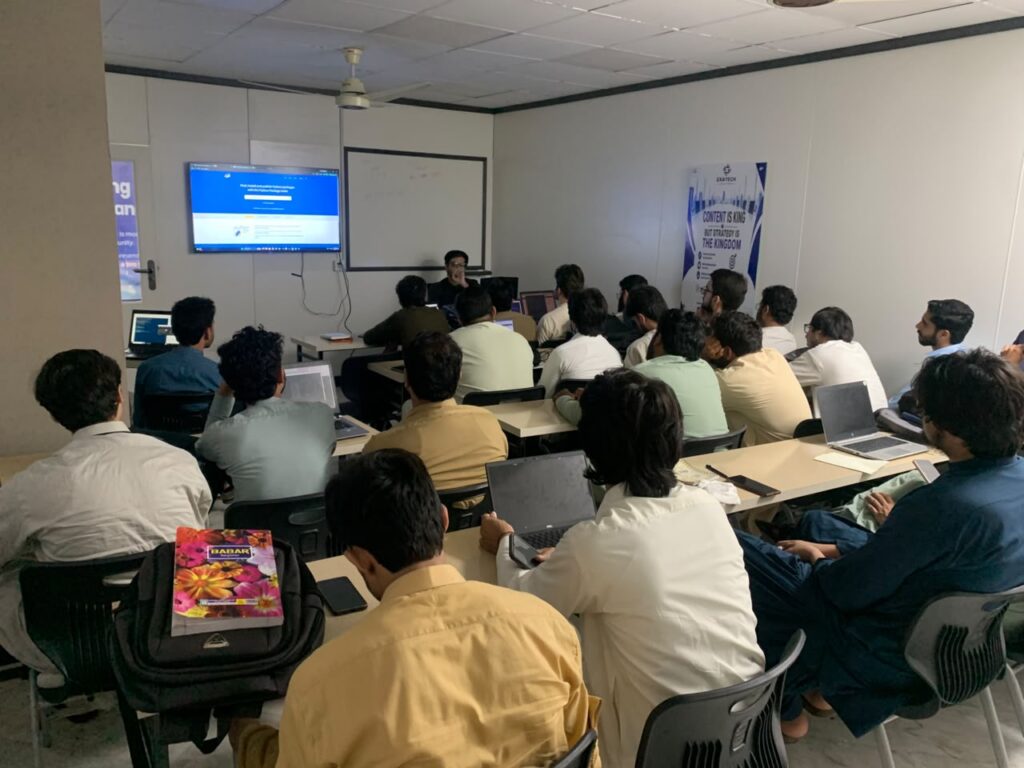
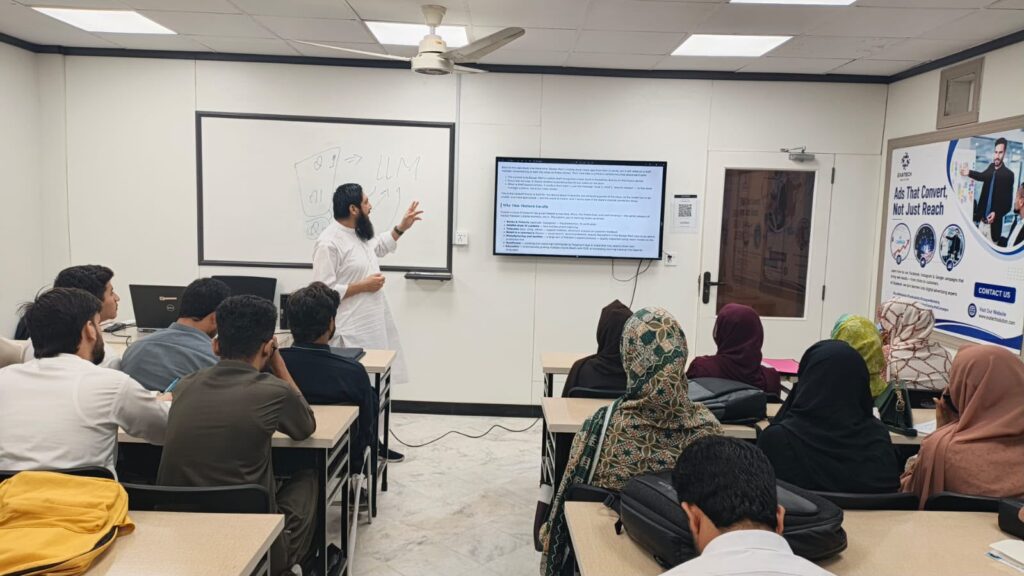
For students who want more structured learning beyond using these tools independently, Exatech Solution’s AI training is one local option worth considering. A structured course can be especially useful if you want a more thorough foundation than picking up individual tools on your own tends to provide, though plenty of students build strong AI skills entirely through self-directed practice with the tools covered in this guide. Background on the trainers is available on the About Us page. Contact Exatech Solution to confirm current course details before enrolling.
Frequently Asked Questions
What are the best AI tools for students in Peshawar?
General-purpose assistants like ChatGPT, Gemini, and Claude cover most study needs, while Perplexity and NotebookLM suit research specifically, Grammarly suits writing, Canva suits presentations, and GitHub Copilot suits coding. Which combination makes sense depends on your field of study and coursework.
Are these AI tools free for students?
Most offer a functional free tier, including ChatGPT, Gemini, Claude, Copilot, Perplexity, NotebookLM, Canva, and Grammarly, though each also has a paid upgrade with more advanced features. GitHub Copilot offers free access to verified students through GitHub Education, though current plan details vary.
Is it okay to use ChatGPT for assignments?
It depends entirely on your institution’s academic integrity policy, which varies and should be checked directly. These tools work well as study aids for brainstorming, explaining concepts, or checking your own writing, but submitting AI-generated work as entirely your own can violate academic policies.
What AI tool is best for research and citations?
Perplexity is built specifically around search-style, cited answers, making it well suited to research tasks. NotebookLM is useful once you already have source documents and want to ask questions grounded specifically in that material.
Is prompt engineering worth learning as a student?
Yes, as a practical skill that improves results across every AI tool you use, not as a standalone career path. Learning to write clearer, more structured prompts genuinely makes these tools more useful for coursework and beyond.
Is GitHub Copilot really free for students?
Yes, through GitHub Education, though the exact plan and usage limits have changed multiple times in 2026. Check education.github.com directly for current sign-up availability and plan details rather than assuming unlimited access.
Conclusion
AI tools for students in Peshawar now span general chat assistants, research tools, writing and design tools, and coding tools, most with functional free tiers alongside paid upgrades. Using them well means treating them as study aids within your institution’s academic integrity policy, not as a shortcut around doing the actual work. If you want to build more structured AI skills beyond using these tools day-to-day, get in touch with Exatech Solution to talk through current course options.