You do not need an expensive setup to start video editing in 2026.
A phone and a free editing app can be enough for your first Instagram Reel. A basic laptop can handle simple YouTube videos. As your skills improve, you can move towards professional tools.
The difficult part is choosing where to start.
CapCut looks simple and works well for short videos. DaVinci Resolve gives you professional tools for free. Adobe Premiere is built for more advanced workflows. Filmora tries to sit somewhere between beginner-friendly and powerful.
So which is the best video editing software for beginners?
There is no single answer.
It depends on what you want to edit, which device you use, and how far you want to take video editing.
This guide looks at some of the best free and paid tools beginners can consider in 2026.
What Should Beginners Look for in Video Editing Software?
Do not choose software because it has the longest feature list.
As a beginner, you first need to learn how editing actually works.
That means trimming clips, arranging footage on a timeline, adding music, controlling audio, using transitions, adding text, and exporting a finished video.
The interface should make those tasks easy enough to practise.
You should also think about the type of videos you want to create.
Someone making TikTok videos has different needs from someone learning documentary editing.
Social media creators may care more about templates, auto captions, vertical formats, and quick effects.
Someone who wants a professional editing career should care more about timeline control, color grading, audio tools, keyframes, project organisation, and long-term learning.
Device compatibility matters too.
Some tools work on phones and computers. Others are designed mainly for desktop editing.
Finally, check the limitations of the free version.
A tool may be free to download but lock certain effects, stock assets, AI features, or export options behind a paid plan.
Best Free Video Editing Software for Beginners in 2026
You can learn a lot without paying for editing software.
In fact, some free tools are powerful enough for serious projects.
1. CapCut
Best for social media videos, Reels, Shorts, and TikTok content
CapCut is one of the easiest places to start if your main goal is social media content.
Its desktop editor includes timeline editing, effects, filters, keyframes, color tools, automatic captions, and tools for changing video aspect ratios.
That makes it useful for Instagram Reels, TikTok videos, YouTube Shorts, and other short-form content.
The interface is easier to approach than many professional editing programs.
You can start with basic cuts.
Then add captions.
Add music.
Try keyframes.
Experiment with effects.
You can move fairly quickly without spending days understanding the interface first.
That accessibility is one reason CapCut works well as a beginner video editor.
The downside is that beginners can become too dependent on templates and effects.
Good editing is not about adding a transition every two seconds.
Learn how to cut properly first.
Then use effects when they actually improve the video.
You can explore the current CapCut desktop video editor to see its latest tools.
2. DaVinci Resolve
Best free option for students who want professional editing skills
DaVinci Resolve is very different from CapCut.
It takes longer to learn.
But it gives you room to grow.
Blackmagic Design currently offers DaVinci Resolve 21 as a free version alongside the paid Studio edition. The software combines video editing, color correction, visual effects, motion graphics, and audio post-production in one application.
The free edition can handle Ultra HD video up to 3840 × 2160 at 60 fps for supported formats.
That is a lot of capability for free software.
A beginner can start with basic timeline editing.
Later, the same software can be used to learn more advanced color grading, audio editing, visual effects, and professional workflows.
This makes DaVinci Resolve a strong choice if you are serious about video editing but cannot pay for professional software yet.
The main problem is the learning curve.
The interface can look overwhelming when you open it for the first time.
Do not try to learn every page immediately.
Start with importing footage.
Learn cutting and trimming.
Add basic audio.
Export your first project.
Then move towards color and effects.
Blackmagic also describes the edit page as being designed for both new users and professional editors.
You can check the current DaVinci Resolve download and features directly from Blackmagic Design.
3. Canva
Best for simple marketing and social media videos
Most people know Canva for graphic design.
Its video editor is useful too.
It is especially helpful when the video is part of a larger social media or marketing project.
You can drag clips onto a timeline, trim footage, split clips, change speed, add graphics, use templates, insert captions, and export videos. Canva also includes AI-assisted tools such as Auto-trim and Highlights.
This makes it convenient for:
Instagram content.
Simple ads.
Business videos.
Product videos.
Presentations.
Short promotional content.
You can also keep graphics, social posts, thumbnails, and videos inside the same Canva workflow.
That is useful for small businesses and beginner content creators.
Canva is not the tool I would choose if your goal is advanced filmmaking or detailed color grading.
It is better when speed and simplicity matter.
You can see the current Canva video editor for its latest features.
4. Microsoft Clipchamp
Best for Windows beginners
If you use Windows 11, you may already have Clipchamp.
Microsoft describes it as its official Windows video editor, and it is built into Windows 11.
That makes it convenient for someone who simply wants to start editing without installing complicated professional software.
You can combine video, images, and audio.
You can add text, transitions, filters, effects, stock media, and other elements.
The free personal version currently supports watermark-free exports up to 1080p.
For a student making their first YouTube video, presentation, social media post, or simple project, that may be enough.
It is easier to understand than something like DaVinci Resolve.
The trade-off is that you get less advanced control.
If you eventually want to work professionally, you may outgrow it.
That is fine.
Beginner software does not have to be your software forever.
You can start with Microsoft Clipchamp and move to a more advanced editor later.
5. iMovie
Best for Apple beginners
If you already own an iPhone, iPad, or Mac, iMovie is an easy starting point.
Apple keeps the workflow simple.
You can trim clips, add transitions, use titles, add music, change speed, and work with basic visual effects.
iMovie also supports 4K video.
The Storyboards feature can be particularly useful for complete beginners because it helps you think about how a video should be structured.
You are learning more than where the buttons are.
You are learning how shots fit together.
iMovie is not designed to compete with Premiere or DaVinci Resolve for advanced professional work.
But that does not make it a bad tool.
If you already use Apple devices and simply want to understand basic editing, it gives you a clean place to begin.
You can view the latest iMovie features from Apple.
Best Paid Video Editing Software for Beginners in 2026
Free software may be enough for your first few months.
Paid software starts making more sense when you need better workflows, professional integrations, advanced features, or tools required by clients and employers.
1. Adobe Premiere
Best for students who want to move towards professional editing
Adobe Premiere is one of the strongest options if you want video editing to become more than a hobby.
It includes professional timeline editing, trimming, effects, motion graphics, audio controls, captions, color tools, and collaboration features.
Adobe has also added a growing number of AI-assisted features.
Premiere can automatically generate transcripts for text-based editing. It can create captions, improve speech, help search footage, reframe content for different aspect ratios, and assist with masking and other repetitive tasks.
For a complete beginner, Premiere may initially feel more difficult than CapCut or Filmora.
That should not automatically stop you.
If your long-term goal is professional video editing, learning a professional timeline early can be useful.
Start slowly.
Learn the Project panel.
Understand the timeline.
Learn how tracks work.
Practise basic cuts.
Then learn audio and color.
Do not open Premiere on day one and immediately try to create complex motion graphics.
Premiere is subscription-based, and plans can change by country and over time. That is why it is better to check Adobe’s current Premiere plans instead of relying on an old price from an article.
2. Wondershare Filmora
Best for beginners who want more features without a very difficult interface
Filmora is positioned between simple editing apps and heavier professional software.
That can make it useful for someone who has outgrown very basic tools but is not ready for a complicated professional workflow.
Its current releases include tools for keyframe animation, masking, split screens, screen recording, AI-assisted enhancement, and other creative effects.
The interface is generally built around an approachable timeline.
That means beginners can get started without spending too much time configuring the software.
Filmora makes sense for creators who want to make YouTube videos, social content, educational videos, or client work without immediately moving into a more demanding editor.
You should still learn the fundamentals.
Templates do not replace editing judgement.
Effects do not fix weak pacing.
AI does not automatically make a video interesting.
Use the software to speed up your workflow, not to avoid learning.
3. Final Cut Pro
Best paid option for Mac users
Final Cut Pro is Apple’s professional video editing software.
It is much more powerful than iMovie while still being designed around an interface that Apple describes as accessible to new editors.
Its Magnetic Timeline works differently from the traditional track-based timeline you may see in Premiere.
Some editors love it.
Others prefer the traditional approach.
Final Cut Pro includes advanced audio tools, color grading, captions, motion tracking, masking, effects, and AI-assisted features.
It also has a useful upgrade path for Apple users.
You can start in iMovie and later import an iMovie project into Final Cut Pro.
As of 2026, Apple offers Final Cut Pro through Apple Creator Studio and also keeps a one-time purchase option for Mac.
Again, check the current Final Cut Pro page instead of relying on old pricing.
Free or Paid Video Editing Software: Which Should You Choose?
If you have never edited a video before, start free.
You do not need to buy Premiere on your first day.
Learn how a timeline works.
Learn how to trim a clip.
Learn pacing.
Learn basic audio.
Understand transitions.
Learn how text and captions work.
Make five or ten complete videos.
Then think about paying.
For social media, CapCut may be enough for a long time.
For simple business content, Canva or Clipchamp may be enough.
If you want professional-level editing without paying initially, DaVinci Resolve is difficult to ignore.
If you want to work inside the Adobe ecosystem or prepare for professional workflows, Premiere makes more sense.
Mac users can start with iMovie and later consider Final Cut Pro.
The software matters.
But your editing skill matters more.
Which Video Editing Software Is Best for You?
Think about what you actually want to make.
If your goal is Instagram Reels, TikTok, and YouTube Shorts, start with CapCut.
If you want a powerful free desktop video editor, try DaVinci Resolve.
If you make simple marketing and social media videos, Canva is convenient.
If you are on Windows and want something easy, Clipchamp is a simple starting point.
If you use Apple devices and are completely new, start with iMovie.
If you want to build professional editing skills, consider Premiere or DaVinci Resolve.
If you want something easier than Premiere but more capable than a basic editor, Filmora may suit you.
If you work on a Mac and want professional software, Final Cut Pro is worth considering.
Do not install six editors and keep switching between them.
Pick one.
Learn it properly.
What Should You Learn First in Video Editing?
Beginners often focus on effects too early.
The first thing to learn is cutting.
Take a piece of footage.
Remove the parts you do not need.
Arrange the remaining clips so the video makes sense.
Then work on audio.
Bad audio can ruin a good-looking video.
Learn how to balance voice, music, and sound effects.
After that, work on text and captions.
Then learn simple transitions.
Move towards color correction once you understand the basics.
Keyframes, motion graphics, visual effects, green screen work, and advanced color grading can come later.
Good editing is mostly about decisions.
Where should the cut happen?
How long should the shot stay?
Does this music fit?
Is this effect helping the story?
Software gives you tools.
It does not make those decisions for you.
Are AI Video Editing Tools Worth Using?
Yes, when they save time.
Many modern editors now include AI features.
CapCut can generate captions automatically.
Canva includes AI-assisted editing tools such as Auto-trim and Highlights.
Premiere includes text-based editing, speech-to-text, AI masking, media search, and other assisted workflows.
Final Cut Pro also uses intelligent tools for tasks such as captions, object isolation, tracking, and color adjustments.
AI can remove repetitive work.
That is useful.
But beginners should still understand editing without it.
If an AI feature makes a bad cut, you need to know why it is bad.
If auto captions are wrong, you need to catch the mistake.
If automatic color correction looks strange, you need enough knowledge to fix it.
Learn the skill first.
Then let AI make parts of the workflow faster.
How to Start Learning Video Editing as a Beginner
Do not spend your first month comparing software.
Choose one editor and start.
Learn where the media goes.
Learn the timeline.
Practise cutting.
Add audio.
Add simple text.
Learn how to export.
Then make a complete one-minute video.
Your next project can be longer.
After a few projects, start learning color correction, keyframes, motion graphics, sound design, and more advanced effects.
Try recreating edits you see online.
Do not copy someone’s full project file.
Watch the video.
Think about how the editor created it.
Then try to build something similar yourself.
That exercise teaches you much more.
Do You Need an Expensive PC for Video Editing?
Not always.
Simple 1080p social media editing can run on much more modest hardware than heavy 4K projects with effects, color grading, and multiple video tracks.
The software also matters.
DaVinci Resolve and professional applications can become demanding when projects get complex.
If your computer struggles, start with lighter projects.
Use 1080p footage.
Keep effects simple.
Learn proxy workflows later.
Do not let hardware stop you from learning basic editing.
A simple project teaches the same fundamental idea of where and why to make a cut.
Can Video Editing Become a Freelance Skill?
Yes, but knowing where the buttons are is not enough.
A client does not usually care whether you completed twenty tutorials.
They care about the final video.
That is why you need a portfolio.
Start by creating your own projects.
Edit a short product video.
Make a Reel.
Create a YouTube-style talking-head edit.
Edit an interview.
Create a promotional video for a fictional business.
Try different styles.
Then choose your strongest work.
Your first portfolio can be small.
It just needs to show that you understand pacing, audio, text, visuals, and basic storytelling.
If you eventually want freelance clients, communication matters too.
You need to understand the brief.
You need to handle revisions.
You need to deliver the correct video format.
Editing software is only one part of the job.
Want to Learn Video Editing in Peshawar?
Watching tutorials can teach you a lot.
Some students still prefer structured training because they want feedback, assignments, and someone to explain what they are doing wrong.
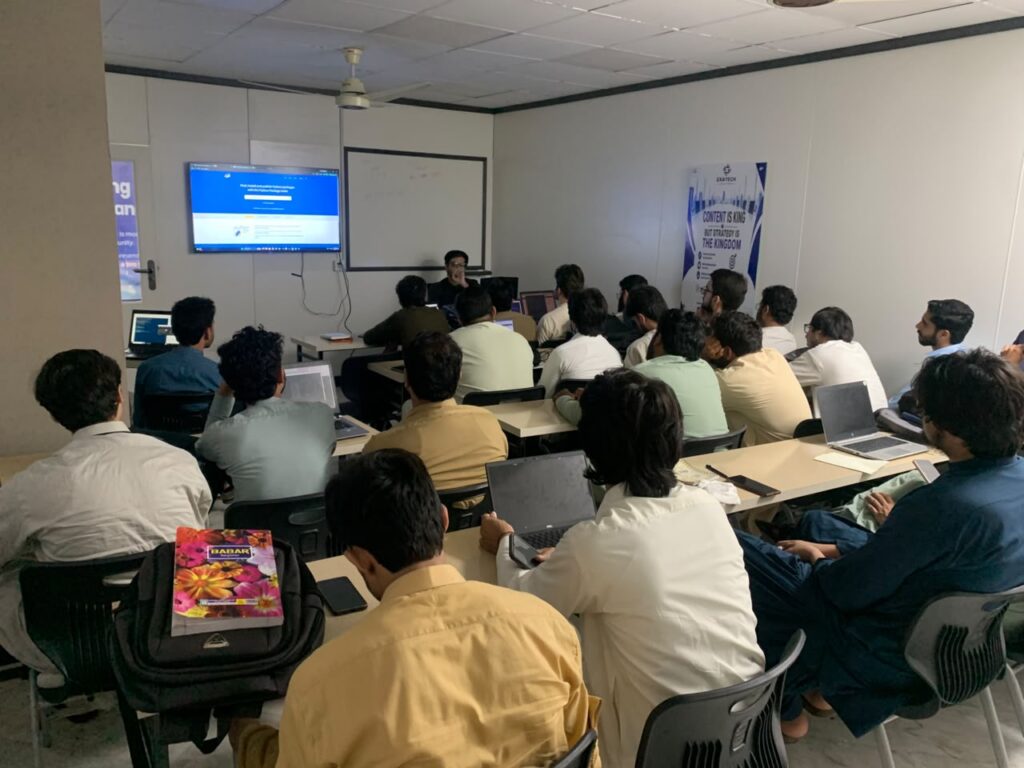
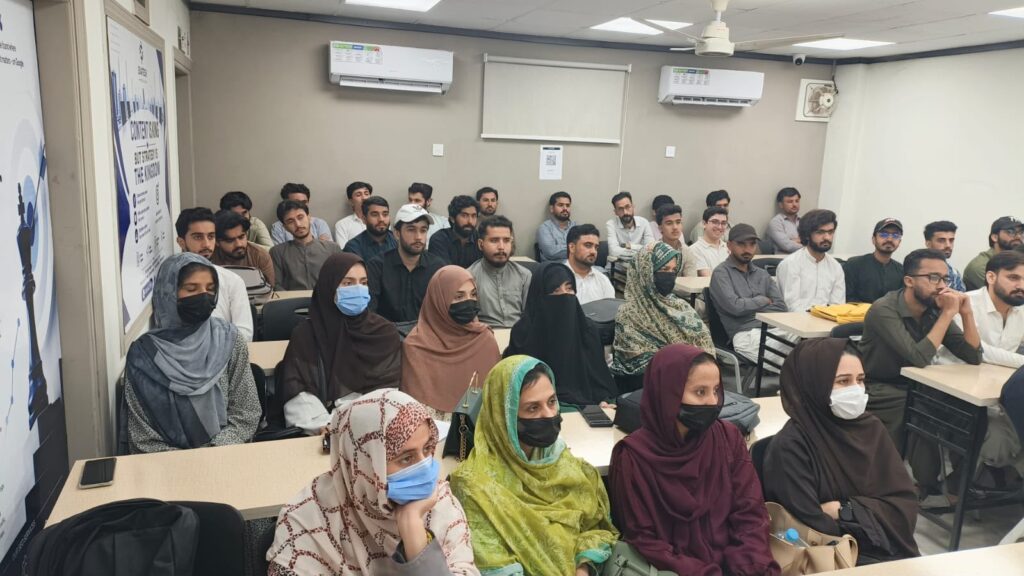
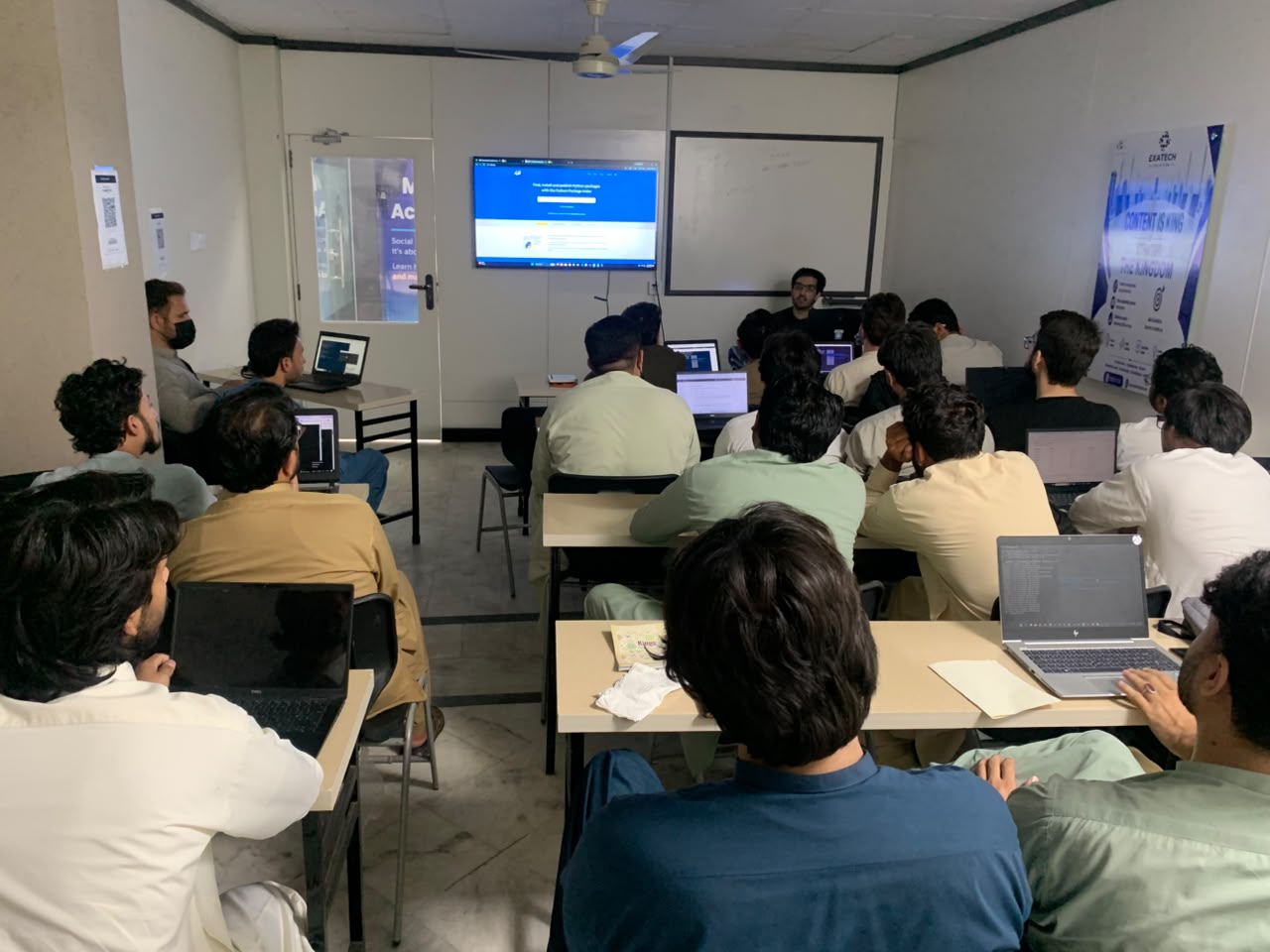
If you are looking for a video editing course in Peshawar, ExaTech Solution currently offers combined Graphic Design and Video Editing training.
The course is designed for beginners and includes tools such as Photoshop, Illustrator, and Premiere Pro. It also covers branding, motion graphics, color theory, and practical portfolio work.
You can view the current Graphic Design & Video Editing course at ExaTech Solution for the latest course details.
ExaTech also lists its current IT training programs in Peshawar if you are comparing video editing with other digital skills.
A course can give you structure.
Your portfolio will still depend on how much you practise.
Frequently Asked Questions About Video Editing Software for Beginners
What is the best video editing software for beginners?
The best video editing software for beginners depends on what you want to create. CapCut is easy for short social videos. DaVinci Resolve is a strong free option for people who want professional skills. Canva and Clipchamp work well for simple projects. Premiere is better suited to students who want a more professional workflow.
What is the best free video editing software for beginners?
DaVinci Resolve is one of the strongest free options for serious desktop editing. CapCut is easier for short-form content. Clipchamp and Canva can be better when simplicity is more important than advanced control.
Is CapCut good for beginners?
Yes. CapCut has a beginner-friendly workflow and includes effects, keyframes, captions, color tools, and social media features. It is especially useful for Reels, TikTok videos, and YouTube Shorts.
Is DaVinci Resolve free?
Yes. Blackmagic Design offers a free version of DaVinci Resolve alongside the paid Studio edition. The free version includes editing, color, VFX, motion graphics, and audio tools.
Is Premiere good for beginners?
A beginner can learn Premiere, but it has a bigger learning curve than tools such as CapCut or Clipchamp. It makes more sense for learners who want to build professional editing skills and are willing to spend more time learning the workflow.
Which video editing software is best for YouTube beginners?
CapCut can work for simple YouTube content. DaVinci Resolve is a good free choice for longer and more advanced projects. Premiere is useful for people planning to move towards professional YouTube or client editing.
Can I learn video editing without any experience?
Yes. Start with basic cutting, audio, text, transitions, and exporting. Once those feel comfortable, move into color correction, keyframes, effects, motion graphics, and more advanced workflows.
What is the best video editing software for social media?
CapCut is a strong choice for short social content. Canva is useful when you also need graphics and templates. Premiere and Final Cut Pro give you more control when social media editing becomes part of a professional workflow.
Final Thoughts
There is no need to find the perfect editing software before you start.
CapCut is easy.
DaVinci Resolve is powerful.
Canva and Clipchamp keep things simple.
iMovie is a good starting point for Apple users.
Filmora gives beginners more creative tools without a very steep learning curve.
Premiere and Final Cut Pro can take you much further when you are ready for professional workflows.
The best tool is the one you will actually use.
Pick one.
Learn how to cut.
Learn audio.
Make complete videos.
Then keep improving.
If you are in Peshawar and want structured practice alongside self-learning, you can explore the Graphic Design & Video Editing training at ExaTech Solution and compare the course content with the skills you want to build.
Software changes every year.
Good editing skills last much longer.